


|
|
Products
SmedgeTM
The next generation in distributed processing
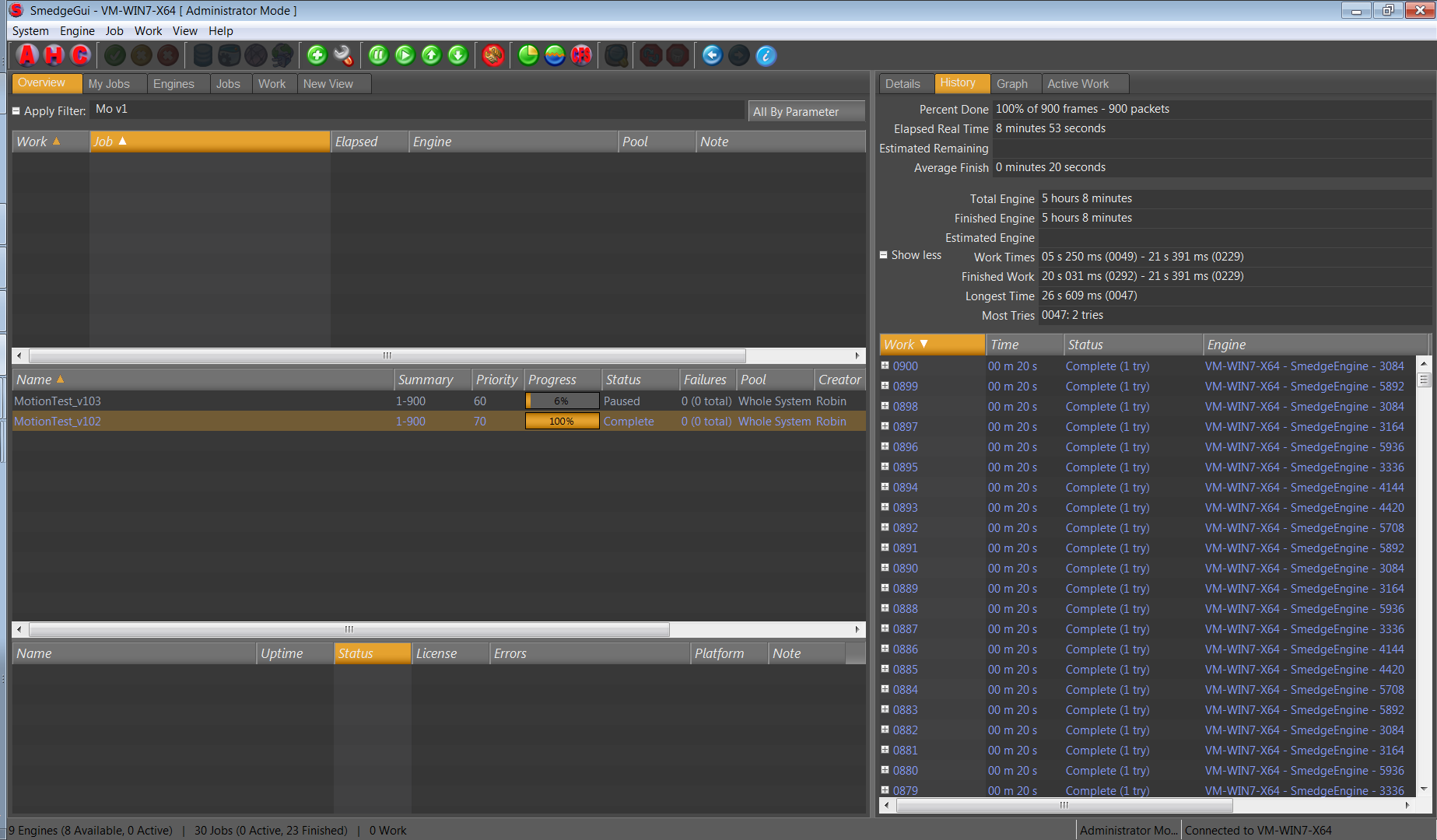
Rebuilt from the ground up, the next generation of Smedge provides unbeatable power and flexibility combined with incredible stability. All while maintaining the ease of use users have always loved about Smedge. Combining your Windows, Mac and Linux machines is a snap with absolutely seamless cross-platform operation.
SmedgeTM API
Customize Smedge
The Smedge API allows you to create your own custom compiled Modules or Shell components for the Smedge task distribution system.
Recent News
| Last Minute New Feature: Dynamic Redundant Master |
May 13, 2009 |
| This allows Smedge to run in a completely automatic mode, eliminating the need for worrying about Masters, Engines, and whatevers. This will make Smedge able to operate exactly like Smedge 2 did, only with all the power and stability of Smedge 3.
This is the first phase of a transformation in the data and communication systems as part of the next major release of Smedge. The next major release will also include many of the commonly requested features, as well as a complete GUI overhaul, making the interface more efficient and completely customizable.
This feature is currently in development. Once it is through QA, we will be releasing Smedge version 2.5 beta 2, with this new system enabled. The exact release date is not yet determined, but it will be before the end of this month. This release will also include all of the previously mentioned version 2.5 features and bug fixes.
This beta version will be available for Windows, Linux and Mac simultaneously. A complete list of the new features and fixes will be made available with the release.
As ever, please let us know if you have any questions about the new release or updating your Smedge.
Thanks
-robin |
| New Mac daemon control apps are available |
April 10, 2009 |
| In order to control how Smedge runs automatically on OS-X, you need to send the system a little command, and you must do so with administrative privileges. Though Mac is built on this kind of Unix foundation, it's not very "Mac friendly."
To solve this, we have released these little apps, which will also be included in future distributions of the Mac version of the program. Now you can simply double click to start or stop the Smedge background processes.
There are four apps included to perform one of these four tasks:
Start Engine make the computer show up as an "Engine" in Smede, available for work
Stop Engine make the computer no longer available for work
Start Master make the computer the Master on your entire network. There should be only one Master on your network.
Stop Master make the computer no longer be the Master
|
| Download SmedgeControlApps_OS-X.zip |
| Features already coming in Smedge 3 version 2.5 |
April 06, 2009 |
| These features are already implemented or are in development and testing currently:
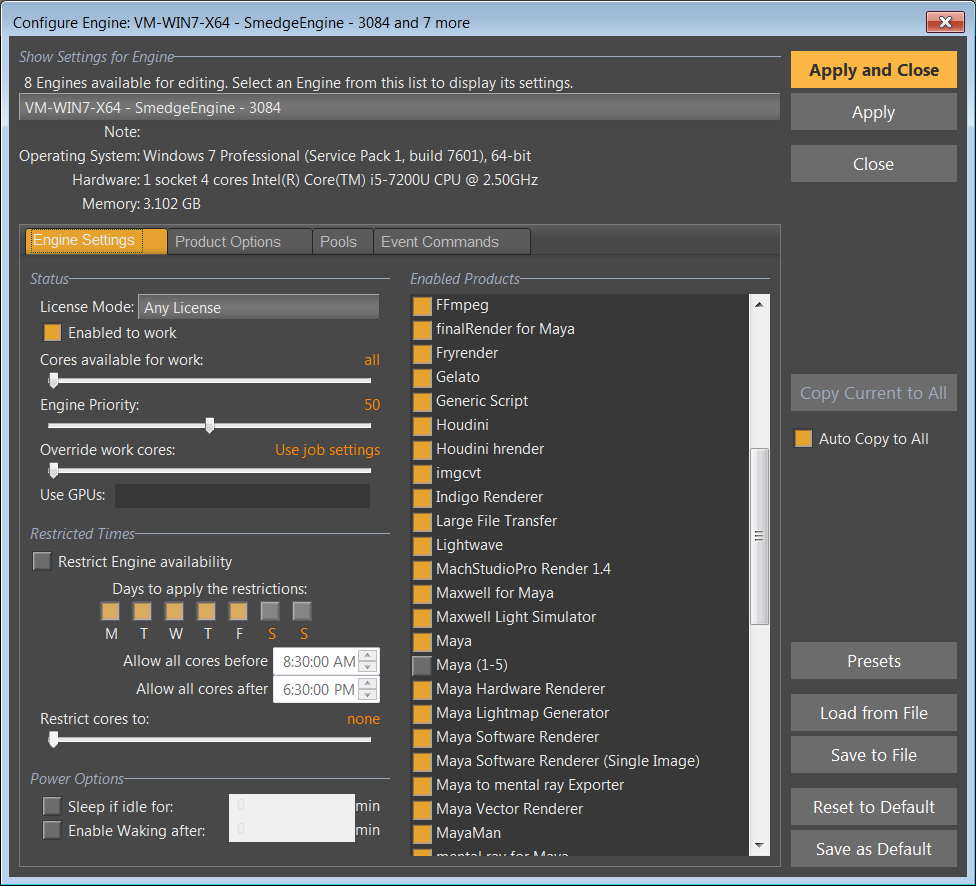
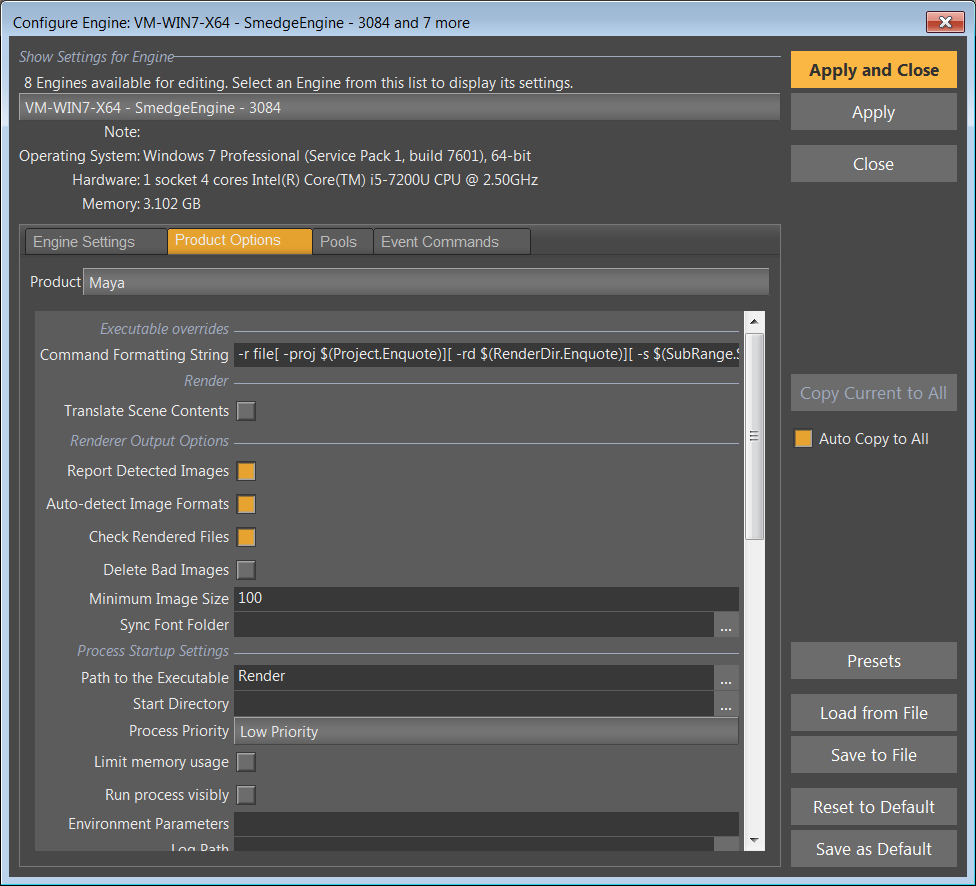
True system-wide "default" Engine, Engine presets, and Product Presets
The "Save to Default" and "Presets" buttons allow you to save as a system-wide default for all users. Also, new users and new Engines automatically download and use these defaults when they connect, so there is zero configuration time for new installations. Just run the installer, and it's done.
Maxwell pyramid merging.
This will allow you to render Maxwell MXIs across your farm, and have each machine intelligently merge only what it needs to, in order to minimize the amount of network traffic caused by moving the giant files around.
Job local file copying.
Using the new parameter command .CopyLocally, you can get a filename translated to a local temporary directory for the Job. The only files in the directory are files that Job requested to be copied, and they are automatically deleted when the job is finished.
Max Module scene file local copying
Using the job local file copying, the Max module now can copy the max scene file to the local temp folder. This eliminates Max's scalability problem reading scene files when using more than 50 machines at a time.
New Work Events - WorkPostExecuteSuccessfulEvt and WorkPostExecuteUnsuccessfulEvt
These events are called immediately after the WorkPostExecuteEvt, but only if the work was either successful or unsuccessful, respectively. The events are called synchronously with the work, so no new work will start until the even process has finished.
File Server system
Smedge now has a built in file server system. This system can be accessed via the API only at this time. This allows arbitrary direct transfer of any file (with appropriate permissions) from any client machine to any other.
Threading and buffer optimizations
Smedge performance should be more reliable due to tuning done to the prioritization and memory buffers used during operation.
Some of the bug fixes:
Smedge can now start any number of After Effects processes
Though there are still some limitations on how After Effects can be used because it is tied to the GUI application, there was a conflict between Smedge and the 32 bit AErender process when running on 64 bit Windows, probably caused by a bug in the Microsoft 32 bit emulation library. This has been worked around, and could, in theory, also improve other 32 bit applications when run on 64 bit Windows, if they happen to have the same particular conditions that After Effects has.
GUI crashes caused by library issues on OS-X and Linux
Master crashes caused by the Generic Script Module
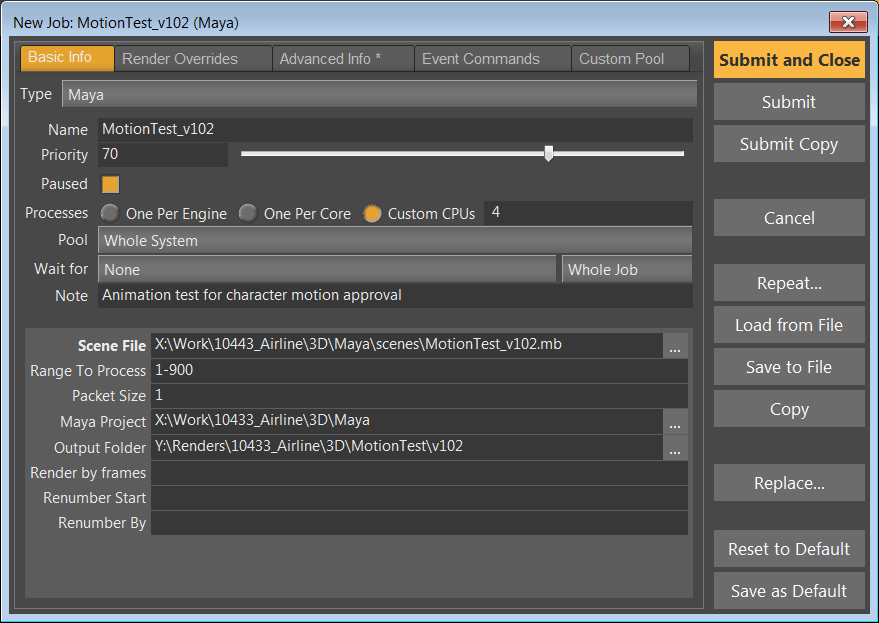
Loading Job files never respected the "paused" state. The Submit Job window will now remember if the last job you submitted was paused.
$(WaitForJobID) now returns the ID, instead of just 0 or 1.
|
| Max.sx bug in new download has been fixed |
January 07, 2009 |
| Sorry about that. A small bug slipped through at the last minute, and there was a typo in the Max.sx Module. It has been fixed and the download files have all been modified.
If you have not already downloaded Update 2, don't worry. If you downloaded Update 2 before January 7th, please download the new release again to get the patched version.
Once again, our apologies for any inconvenience this may have caused. You can simply run the installer again to get the patched version. |
| Version 2.4 Update 2 is now ready for download! |
January 05, 2009 |
| Happy New Year!
This new version adds several new features, including support for Houdini, Presets for configuring Engines, improvements in Herald event handling and in scripting functionality, and now the Maya module can configure itself, so you don't have to find that insane path to the executable on Macs anymore.
This release also fixes several bugs, from small to large. The largest bugs were some dark holes in the operating memory of the system that could cause some specific seemingly-random crashes. Other fixes include ghost Engines appearing in the list, Macs showing up with the name "localhost", and the Configure Connection dialog disappearing.
To see the full list of features and fixes, please check out the Smedge 3 Changes page. |
| Download the latest version for Windows, Linux and Mac |
Read more news
|
|